Show a web page on a screen that only takes a picture
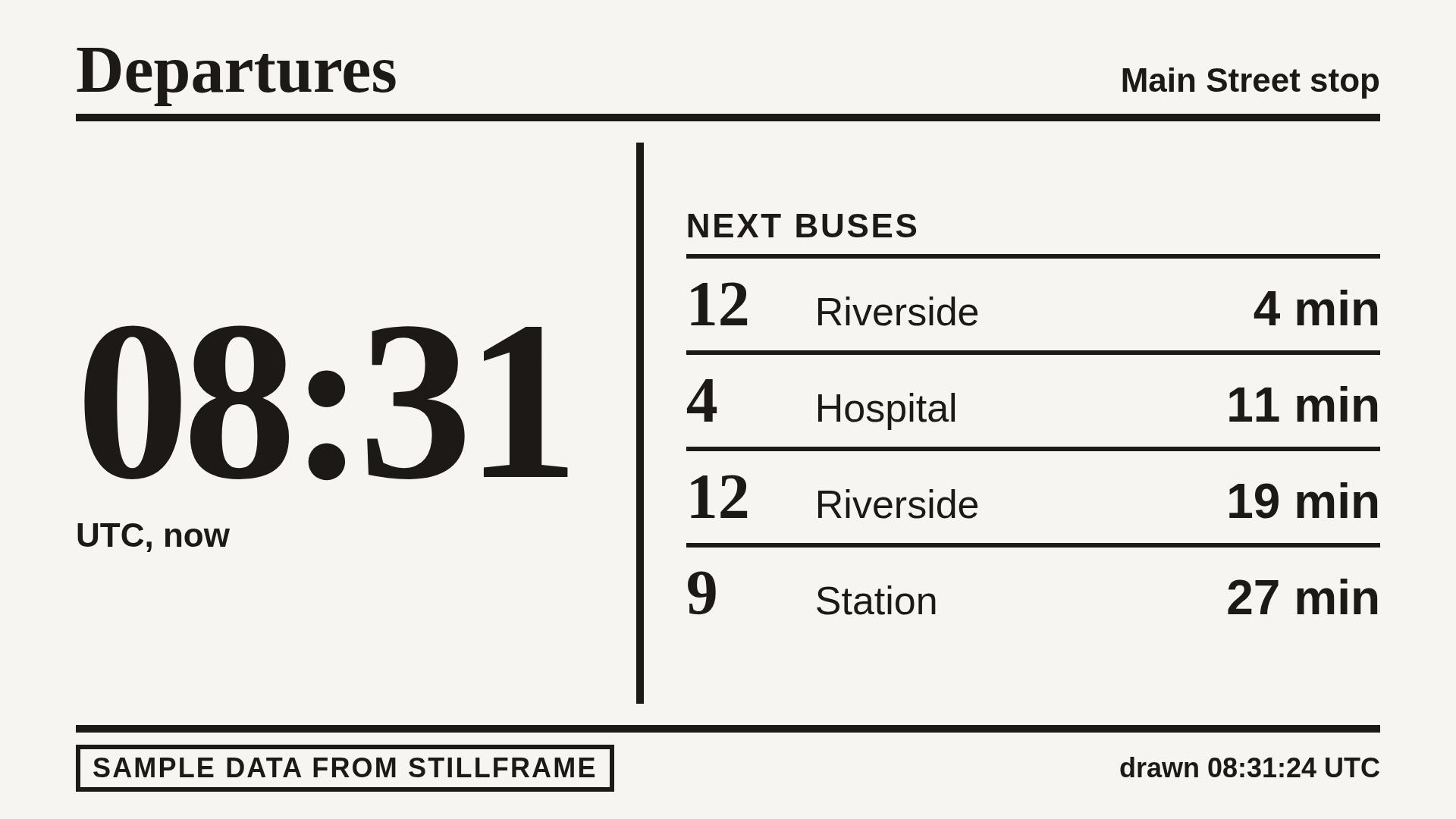
Some screens know how to do one thing: show a picture from a web address. Stillframe turns a web page into that picture and keeps it current.
Who it is for
- Owners of an e-ink display whose image plugin takes an address, such as TRMNL's Image Display
- Anyone with a picture frame, a phone widget or a panel that can show a picture from an address
The problem
The device shows pictures, and you want the bus times, the weather page or the kitchen dashboard on it. A built-in page capture may give a page that builds itself with script too little time, and show a blank.
Steps
- Make a page feed for the page. In the dashboard, open Add a feed. Leave Kind as A web page, paste the page address under Address, and choose a Size and a Refresh. Use the portrait sizes if the screen stands upright.
- Think about the shape. Stillframe's sizes are 16:9, landscape or portrait. TRMNL fits a picture to its own screen with a cover fit, which crops from the centre. Its screens are not 16:9 (TRMNL's help lists 800 by 480 for the original, which is 5:3, and 4:3 for the TRMNL X), so the edges of a 1080p page picture are cropped. To control exactly what shows, make a feed with Kind Pictures I send, set its size to the picture's own, and send it a picture of your device's own size from a script: see the developer guide.
- Paste the image address into the device. Copy the address from the feed and give it to the plugin or widget. TRMNL checks the picture's
ETagbefore it redraws, and our image address sends one, so an unchanged picture is not drawn again. See Using the picture.
What it costs
One feed per screen. Starter is $9 a month for 5 feeds, refreshed no faster than every 15 minutes. Standard is $19 and Pro is $39. See Plans and limits.
What it will not do
- Make a small or grey picture for you. A page is drawn in colour at one of four large sizes, so small text on a small grey screen may be hard to read.
- Draw a page at a small screen's own size. A page is drawn at one of four large sizes; only a picture you send can keep its own.
- Reach a page on your own network, or one behind a login. Take the picture there and send it.
Using the picture
On TRMNL
Use the Image Display plugin and give it the image address. Details and the cropping are in Using the picture.
In Home Assistant
Add it as a Generic Camera with the image address as the still image address. Home Assistant asks for the picture when it wants it, and Stillframe changes it only as often as your refresh time. See Using the picture.