Put a dashboard where a page cannot go
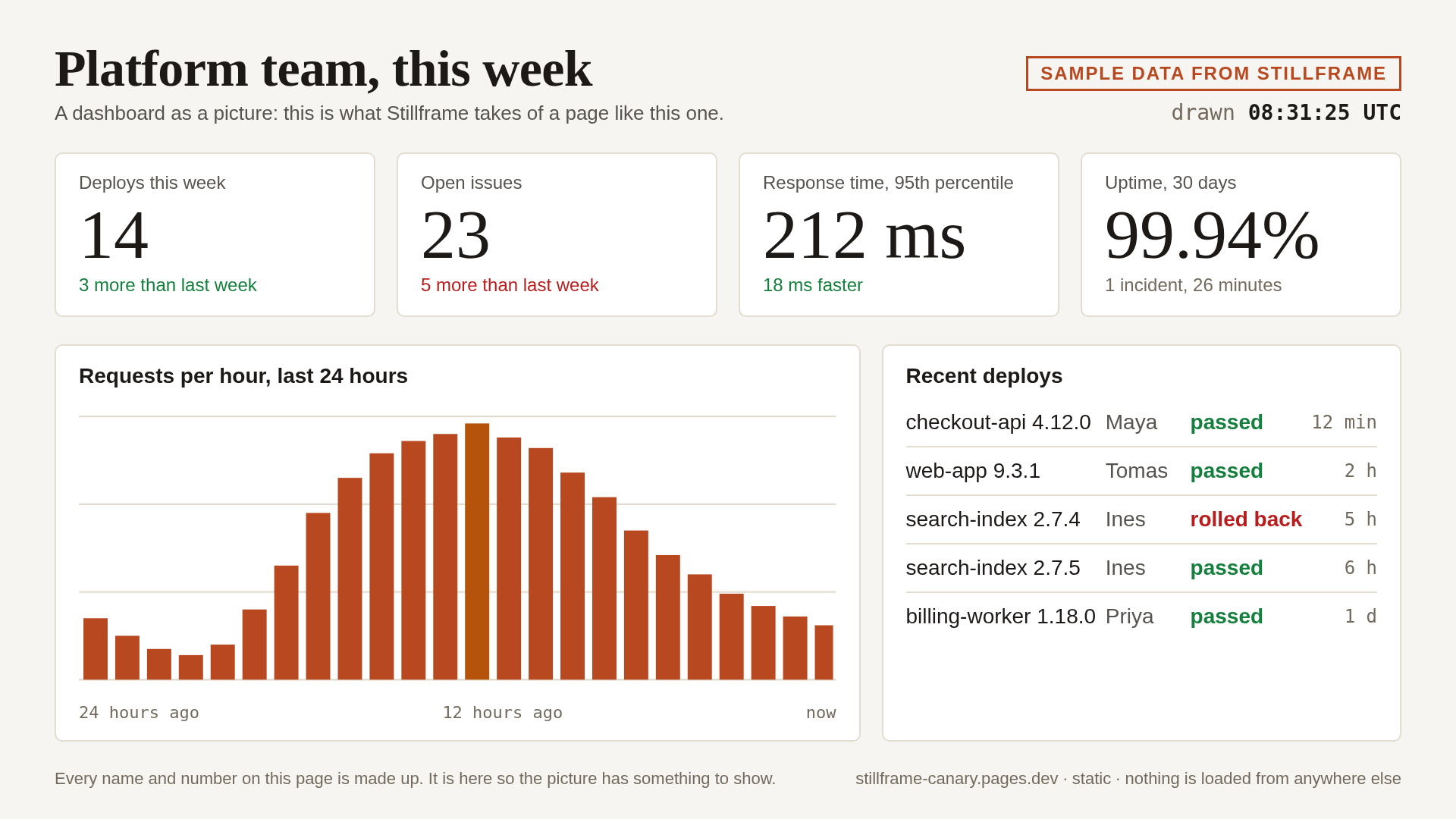
Some places only take a picture: a README, a wiki, a newsletter. Stillframe opens the dashboard's share link in a real browser on a schedule and serves the newest picture at one address.
Who it is for
- A small team running Grafana, Metabase or a status page
- Anyone asked to put a graph on the project's front page and keep it current
The problem
The graph on the front page is a screenshot from March. Every few weeks someone is asked to replace it. You want the picture to update itself.
Steps
- Get a link that opens without signing in. Stillframe has no user name, password or cookie to give a page. Grafana calls what you need a public (shared) dashboard and Metabase a public link. A page that wants a sign-in shows its sign-in page, and that is the picture you get.
- Add a page feed. In the dashboard, open Add a feed. Leave Kind as A web page, paste the share link under Address, choose a Size and a Refresh, then Add the feed. The page is drawn in a browser window exactly as big as the size you chose.
- Look at the first picture. Stillframe waits until the page has stopped loading before it takes the picture. A page that never settles is photographed anyway and marked partial. If a chart is missing, see what it can and cannot picture.
- Copy the image address. Use the Copy button on the feed.
What it costs
A page feed counts as one feed. Starter is $9 a month for 5 feeds, refreshed no faster than every 15 minutes; Standard is $19 for 20 feeds, as often as every 5 minutes; Pro is $39 for 50. See Plans and limits.
What it will not do
- Sign in. A dashboard behind a login needs a share link, or a picture you take yourself and send.
- Reach a dashboard on a private network, for example Home Assistant's own. Take the picture there and send it.
- Crop to one panel. The whole window is drawn at one of four sizes, and a page taller than the window is cut off at the bottom.
Using the picture
In a README
GitHub and similar sites show images through their own servers and keep a copy, so how fast a new picture shows up is theirs to decide. We have not tested it with a Stillframe address.
In a wiki or a notes page
Paste the image address into an image block. We have not established how often each program asks again for a picture.
In an email
Treat the picture as the one that was current when the email was sent. Some mail programs fetch it once and keep it: see Using the picture. Slack and Teams are not promised.